Connect
 PetConnect
 Cortex
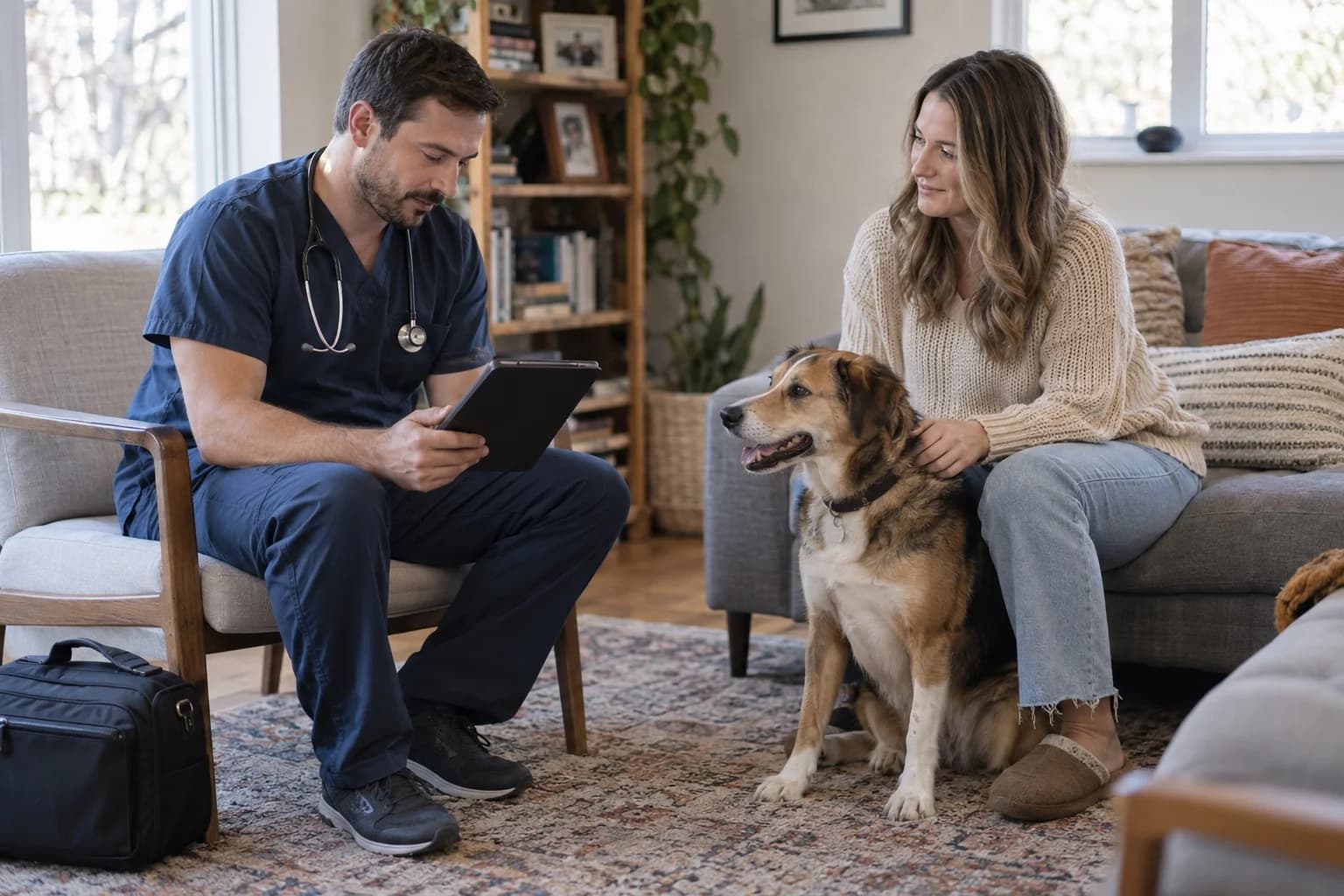
The cover image is a representative scene generated with AI.
Patients whose follow-up date is approaching do not always have an appointment on the calendar. Veterinary recall reminders help the team connect a clinician's follow-up plan with the client communication and booking work needed to carry it out. The useful starting point is a verified due date, the right recipient and a named person to handle the reply.
This guide is for practice managers and reception teams. It does not set vaccination intervals or clinical review dates. Those come from the treating veterinarian's plan. The templates below organise the communication around that plan.
Separate a recall from an appointment reminder#
A recall invites action when no appointment has been confirmed. An appointment reminder refers to a visit that already has a date and time. Mixing them can leave clients unsure whether the practice expects them to attend.
Situation | Purpose of the message | Useful next step |
|---|---|---|
Follow-up approaching; no booking | Make the planned review visible | Reply or appointment request |
Recorded follow-up date has passed | Recheck the record and next action | Team review and appropriate contact |
Appointment confirmed | Confirm the time and change process | Confirmation or rescheduling |
Visit completed | Update the follow-up record | Close the previous recall |
Our existing appointment reminder article concerns booked visits. Do not run a separate recall sequence for the same purpose without checking whether a booking has already been made. Update the recall status as the appointment moves forward.
Review the list before sending#
Each entry needs a patient record, follow-up reason, clinician-set date, contact person and communication preference. Resolve an outdated phone number or changed ownership before sending. Improving the wording cannot fix the wrong recipient.
Review completed visits, changed plans, contact preferences, care transferred elsewhere and deceased-patient records separately. When the question requires clinical judgement, reception should pass it to the veterinarian instead of interpreting the medical plan.
Avoid creating a second store of personal information just to manage the work. A task reference, status, owner and next review date are often sufficient for an operational worksheet. Keep the actual client details and correspondence in the practice's approved system.
Three message templates to adapt#
Replace the fields with verified information and preview the actual message in your chosen channel. These are administrative drafts, not medical advice or a legal compliance determination.
1. When a follow-up date is approaching#
“Hello {clientname}, this is {practice}. Our record shows a planned review date of {date} for {petname}. Please reply or contact us on {phone} so we can arrange a suitable time. Your appointment will be confirmed once our team has agreed the date and time with you.”
The wording does not imply a booking already exists. If the channel cannot receive replies, replace that invitation with the monitored contact route your practice actually uses.
2. When the recorded date has passed#
“Hello {clientname}, we are reviewing the follow-up record for {petname}. If the visit took place elsewhere or the plan has changed, please let our team know on {phone}. We can check the appropriate next step with your veterinarian.”
Avoid stating that a vaccination is definitely overdue without checking the clinical record. If care was completed elsewhere, use your practice's process for verifying documents and updating the record.
3. When a booking request arrives#
“Thank you; we have received your request. Our team will contact you {response_window} to agree a suitable date and time. An appointment has not yet been confirmed. Please contact {phone} if you need to change an existing booking.”
Only promise a response window the team can meet. A message describing an urgent health concern should follow the practice's established escalation route rather than waiting in a routine booking queue.
Assign the reply before you send the message#
“Sent” describes a delivery action. It does not mean the follow-up is complete. Someone must review the reply, arrange the booking, update the contact record or involve a clinician. Name a primary owner and a backup for shift changes.
Working status | Team action | Check before another message |
|---|---|---|
Awaiting reply | Review last contact and next review date | Is another message already open? |
Appointment requested | Check suitable availability | Has the booking actually been confirmed? |
Details need updating | Verify the record and recipient | Is the old channel still in use? |
Clinical review needed | Assign the question to a veterinarian | Would another automated message be inappropriate? |
Follow-up complete | Record the outcome and next plan | Has the old recall been closed? |
As requests turn into bookings, the appointment planning guide helps connect visit types with available team and room capacity.
Pilot a manageable list and count completed work#
Choose a list the team can review properly. Record eligible entries, messages sent, replies, confirmed bookings and completed visits separately for the same period. A reply and a completed visit are different outcomes.
If you calculate a response rate, state the denominator. Replies divided by messages sent is not the same measure as replies divided by confirmed deliveries. Do not invent delivery status if the channel does not provide it.
Also record wrong-recipient incidents, duplicated messages and reminders that continued after the work was done. These identify problems that an encouraging booking total can hide. Review the process before increasing the list size.
Frequently asked questions#
When should we send a second message?#
There is no universal interval for this workflow. Consider the communication preference, purpose, record status and practice policy. Before any repeat, check for an open request or completed visit.
Can reception change the follow-up date?#
An administrative appointment time and a clinical follow-up plan are different. Changes affecting the medical plan should be reviewed by the appropriate veterinarian. Define staff permissions accordingly.
What if a client does not use an app?#
Keep an approved alternative route. The pet owner app selection checklist includes questions about maintaining a consistent workflow across channels.
Build a recall process your team can follow#
Copy the message and follow-up worksheet and assign the owner for each state. Explore Vetigen Reminders and PetConnect with your actual workflow in mind. We can discuss the channels and plan scope relevant to your practice.
Worksheet#
Copy the CSV below and save it as a UTF-8 .csv file. Import it into Excel or Google Sheets using a comma delimiter. Fill the blank fields for your workflow; the examples contain no real patient data.
Task reference,Status,Required check,Owner,Last contact,Next review,Outcome
TEST-01,Follow-up approaching,"Date, recipient and channel verified?",,,,
TEST-02,Awaiting reply,Open request or duplicate message?,,,,
TEST-03,Booking requested,Confirmed time communicated?,,,,
TEST-04,Clinical review,Assigned clinician accepted handover?,,,,
TEST-05,Complete,Previous recall closed?,,,,
Give every reminder a clear next step
Share your recall process and talk through the handoffs your team needs.