Connect
 PetConnect
 Cortex
A veterinary radiography workflow needs more than an image that opens successfully. The image must be connected to the correct patient, examination and record so the clinical team can understand what it is reviewing.
This guide covers documentation and handover checks for veterinary teams. Positioning, equipment settings, restraint, sedation and radiation safety require appropriately trained personnel following approved procedures and equipment instructions. The tables below are not exposure or treatment protocols.
Confirm identity and the requested examination#
A patient's name alone may not provide enough context. Compare the clinic record, the information on the imaging system, the requested examination and the date. Pay attention to similar names and information carried over from an earlier visit.
Agree who resolves missing or conflicting details before the study moves through the workflow. A record assumed to be easy to fix later may become harder to understand once it has been sent to another system.
Check | Information the record should make clear |
|---|---|
Patient | Identity consistent with the clinic record |
Request | The examination requested by the responsible veterinarian |
Time | Examination date and associated visit |
Study/image details | Description and labeling under the local record standard |
Reviewer | The person responsible for clinical interpretation |
Use the approved equipment and safety procedure#
A generic internet table cannot establish appropriate settings for every machine, patient and examination. Training, the local procedure and the equipment's approved instructions belong together. Radiation safety also extends beyond a single item of protective clothing or a universal distance rule.
The IAEA report on radiation protection in veterinary medicine describes a systematic approach to protecting workers, the public and animals. Follow the applicable local requirements and your authorized radiation safety procedures. This article does not prescribe dose limits or manual restraint techniques.
Check the destination, not only the transfer message#
“Sent” does not by itself prove that the intended study is visible under the correct patient and visit. Follow a representative example from the imaging system through to the clinic record. Compare the identifiers and study details at each stage.
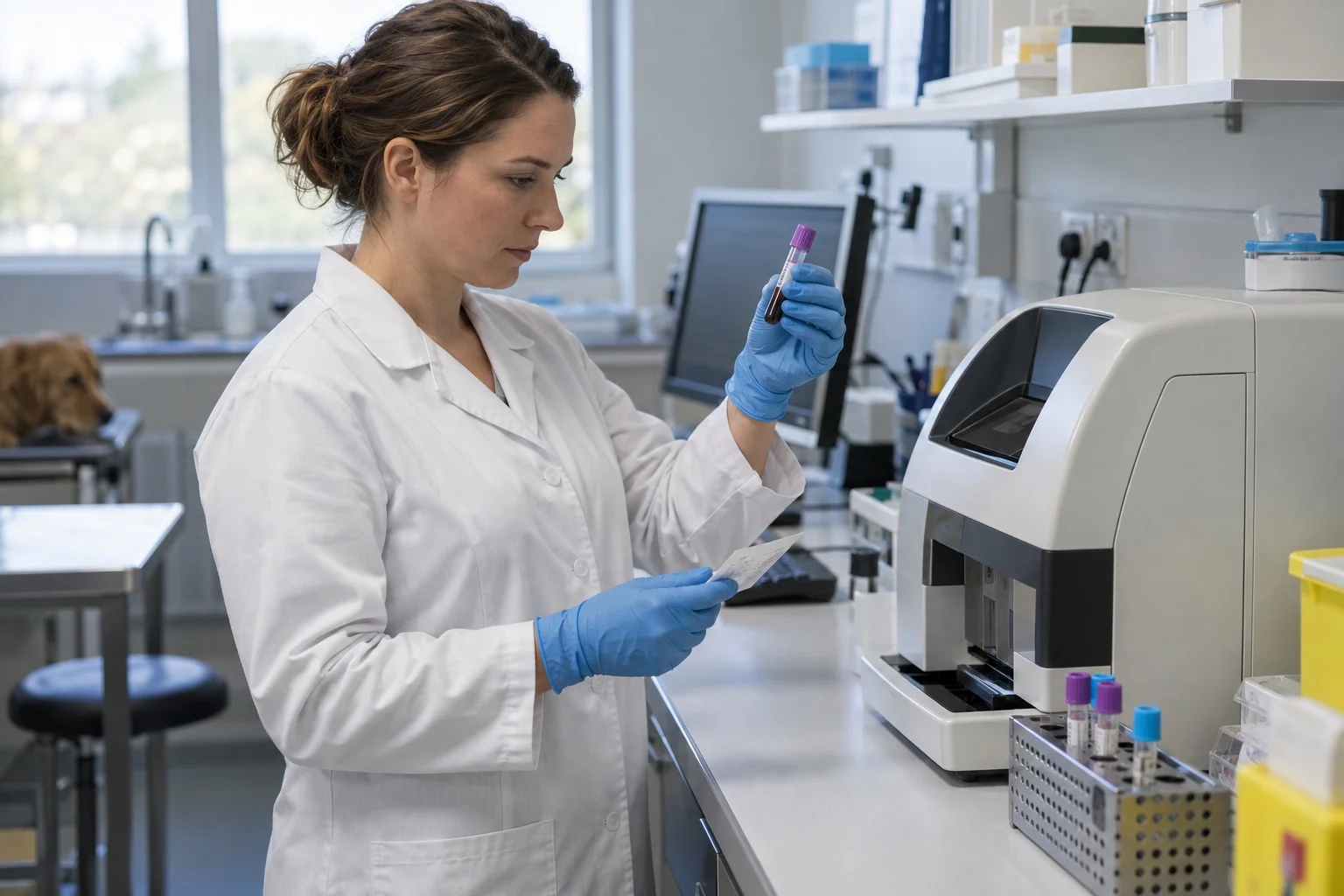
Explore Cortex's laboratory and imaging connections. Bring the device model and current transfer method to a compatibility discussion. Confirm the supported workflow for your own installation rather than assuming every device connects in the same way.
Make correction and review responsibilities clear#
What happens if the team finds incorrect patient details, an incomplete study or a mismatched description? Agree where the correction starts, who completes it and how the responsible veterinarian is informed. Keep the reason for a change understandable instead of silently overwriting context.
An image becoming available and its clinical interpretation being completed are separate events. The record should identify the reviewer and next action. A transfer workflow should not be described as automatically making or confirming a diagnosis.
Test three practical scenarios#
Use one correctly matched example, one with incomplete identifiers and one that needs a correction. Work with permitted sample data rather than real client identifiers. Ask team members to explain what they would do at each step and record the expected outcome alongside what actually happened.
The patient and result matching guide expands this acceptance exercise. For the place of an investigation in the consultation record, see the SOAP introduction.
Use Request a call on this page to discuss your device and record workflow with the Vetigen team. A useful demonstration should answer how the supported connection fits your actual clinic process.